
Every pairing job is a variation of one move. Here it is, brand by brand, with the failures that send people to the phone.
Tell us what the door is doing. The estimate is free and you can say no.
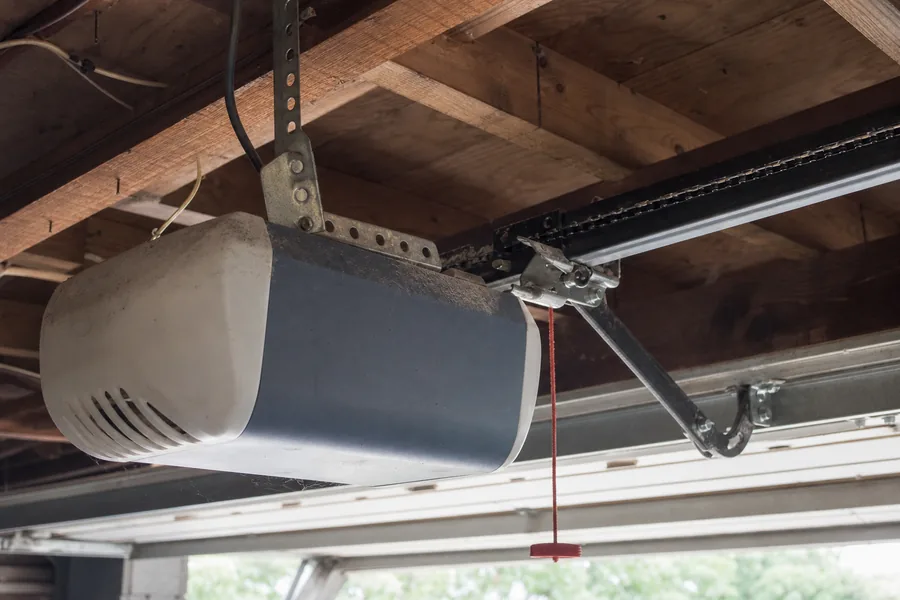
There is one button that matters, and it lives on the motor unit next to the antenna wire or under the light lens. It is the learn button. One press opens a thirty-second window in which the opener memorizes the next device that talks to it. Remote, keypad, car: same window.
Color is the generation. Yellow buttons take today's Chamberlain and LiftMaster remotes; purple, red and orange each need their own. Genie's button is black or blue. Mismatched generations are the reason a brand-new remote does nothing, and the reason universal remotes exist.
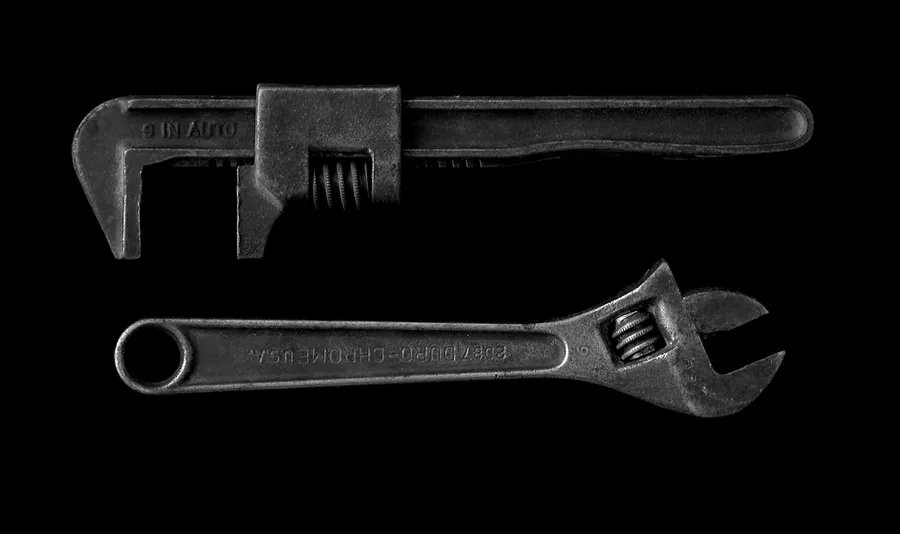
Rule out the battery first. Half the remotes that 'won't pair' are simply flat.
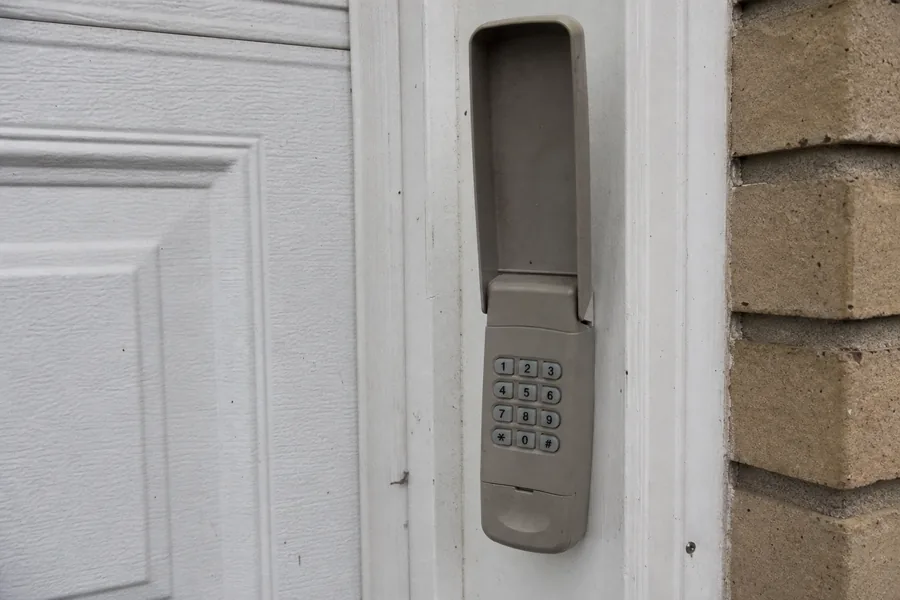
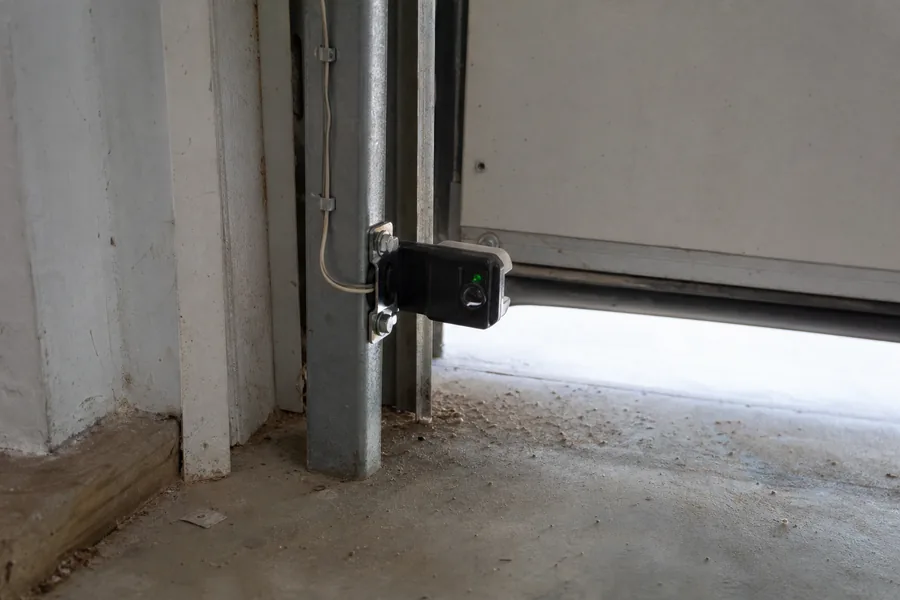
Same learn window, plus choosing and entering a code.
HomeLink is the set of three buttons on the visor or mirror in most cars sold since the mid-2000s. It learns from your existing remote first, then from the opener.
Teach the car the remote first (hold both until the car's light blinks fast), then teach the opener the car (press learn on the motor, then the HomeLink button in slow two-second presses until the door reacts). That second half is what people skip, and it's required on any rolling-code opener.
If the car is fussy, turn the ignition on and try again; some models take four or five presses before the light settles.
A long press on the learn button, six to ten seconds until the light dies, wipes the memory. New house, lost remote, or a full memory on an old unit: those are the three reasons to do it.
Afterwards you re-pair each remote, the keypad and the car. Ten minutes, not two.
Wrong generation. A remote made for a yellow-button opener will not pair with a purple-button one, and vice versa. The remote's packaging or the color band on it says which it fits. Universal remotes cover most generations and are the easy fix.
The lock is on. Wall controls on LiftMaster and Chamberlain have a lock or vacation button. With it engaged, remotes are ignored entirely, and the wall button's light blinks. Press and hold the lock button for two seconds to release it.
Memory full. See above. Clear and re-teach.
Dead battery, or the wrong one. Coin cells in remotes lose charge quietly. A remote that works at the door but not from the driveway is nearly always a battery.
Interference. LED bulbs in the opener's own light socket are a known source. If pairing only works with the light off, that's the bulb; swap it for one marked as garage-door compatible.
The receiver board. If the learn LED never lights, the opener won't take a remote at all and the logic board or receiver has failed. That's a repair, not a programming problem.
Chamberlain and LiftMaster. On the back or side of the motor housing, beside the antenna wire; on some models, behind the light lens. Square button, colored yellow, purple, red or orange. Newer Wi-Fi units also pair through the myQ app, but the physical button still works.
Genie. On the back of the motor head or under a small flap on the housing, marked Learn Code or Program. Genie's pairing wants the remote button pressed several times in quick succession rather than held.
Linear, Marantec and the rest. Same principle, different location. The manual is usually online under the model number printed on the housing label; a photo of the label is enough for us to find it if you'd rather not.
Two attempts and nothing? Then it's the receiver, the lock mode or the wrong remote for the button, and it's a short visit across Pittsburgh and the towns around it. The technician carries remotes and keypads for the common openers and will tell you plainly if the board is done.
We also lift the door by hand while we're there; a heavy door wears the opener, and a worn opener gets strange about remotes.
You need the original remote to add a new one. No. The learn button on the opener pairs any compatible remote; the old one is irrelevant.
Universal remotes don't work with rolling code. Current ones do, across all the common generations. It's the very old fixed-code openers they sometimes can't reach.
If the remote won't pair the opener is finished. Almost never. Ten minutes of the list above finds the cause most of the time, and a receiver board is a repair, not a replacement.
Look on the motor housing near where the thin antenna wire hangs, or behind the light cover. It's a small square button, colored on Chamberlain and LiftMaster, black or blue on Genie.
That's range, not pairing: a weak battery, or an LED bulb in the opener interfering. Try the battery first.
On the Wi-Fi units, yes, and it's often easier. The physical learn button still works on those models if the app won't connect.
The lock feature is on. Press and hold the lock button on the wall control for about two seconds; the light stops blinking and the remotes work again.
Free, across Allegheny County. If the opener needs a part, you hear what and why before anything is done.
Nearly always. Pairing and receiver calls are the short ones.
Say where you are in Pittsburgh, get a two-hour slot, and the technician phones on the way. Same routine in Squirrel Hill, Shadyside and Robinson.
Free estimate. Throughout Allegheny County, including Squirrel Hill, Shadyside, Brookline, Mount Lebanon, Bethel Park, Monroeville, Robinson.
Tell us what the door is doing and you'll get a real arrival window. The visit and the estimate is free, anywhere in Allegheny County.
Prefer to talk it through? Call (412) 226-4206.
Tell us what the door is doing. The estimate is free and you can say no.